Find the businesses you want to reach
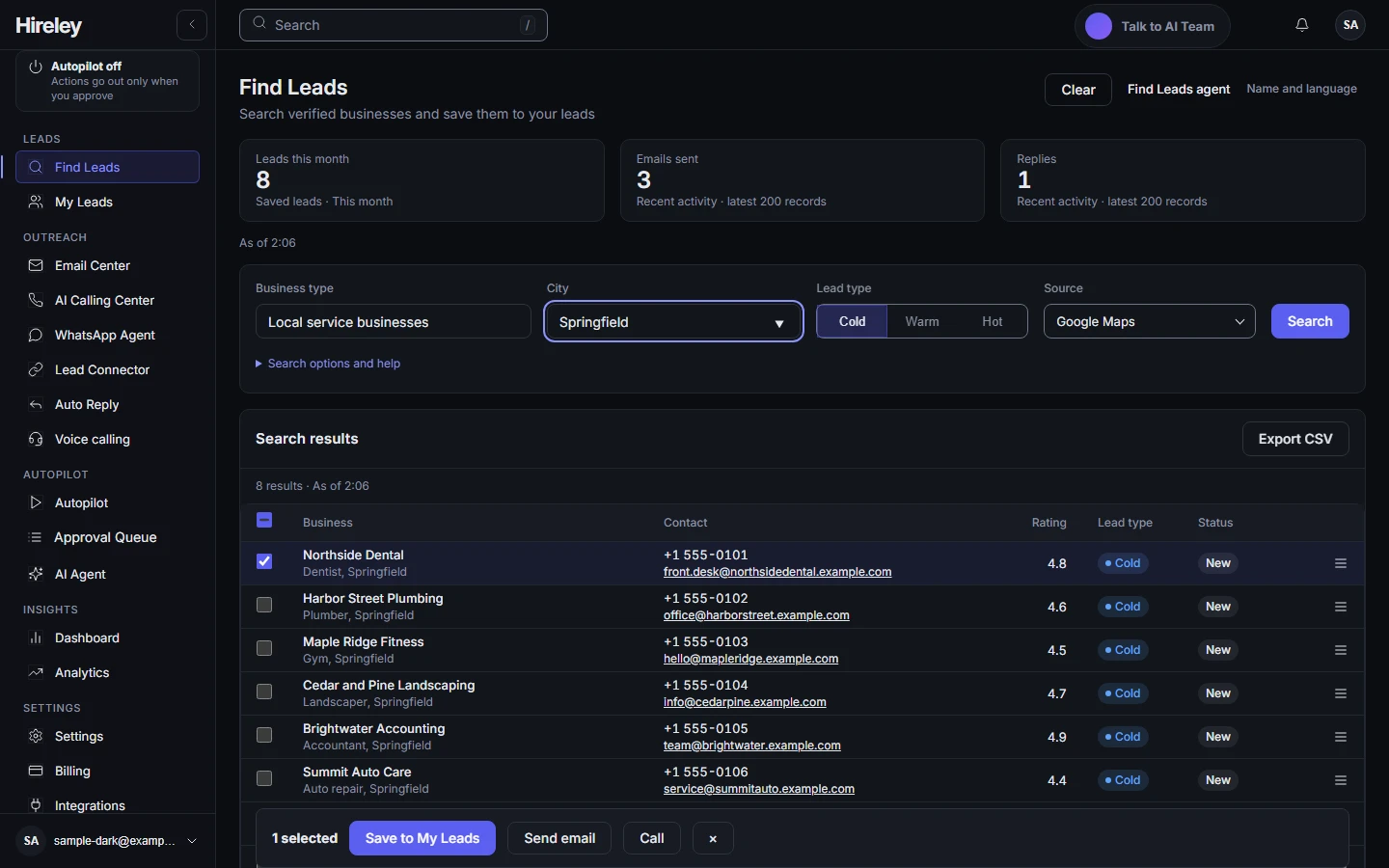
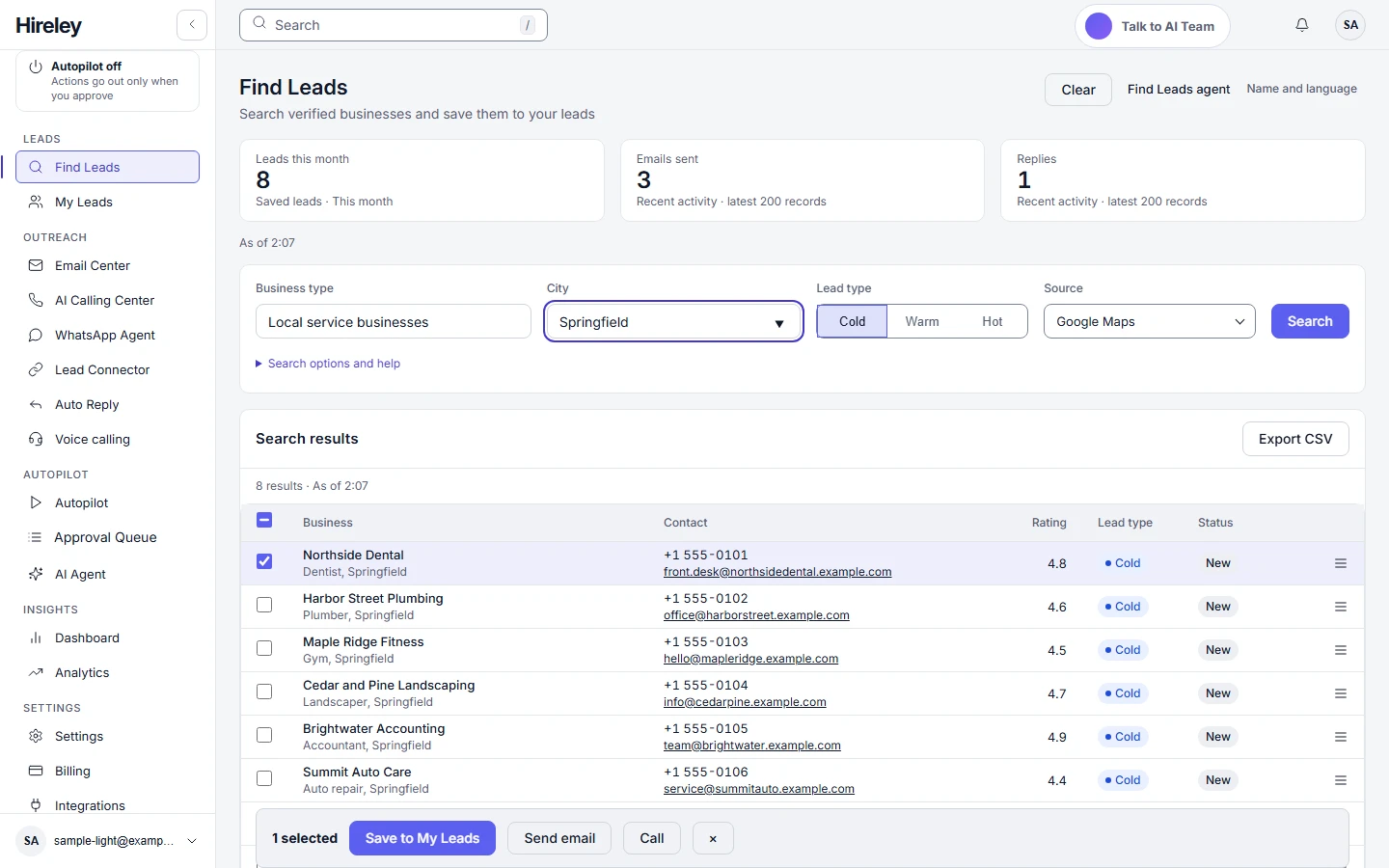
Search by business type and city, pick cold, warm or hot leads, and save the businesses you want to My Leads. Results come from Google Maps listings.
Hireley finds US business leads, drafts outreach emails that wait for your approval, and places AI voice calls, all from one dashboard you control.
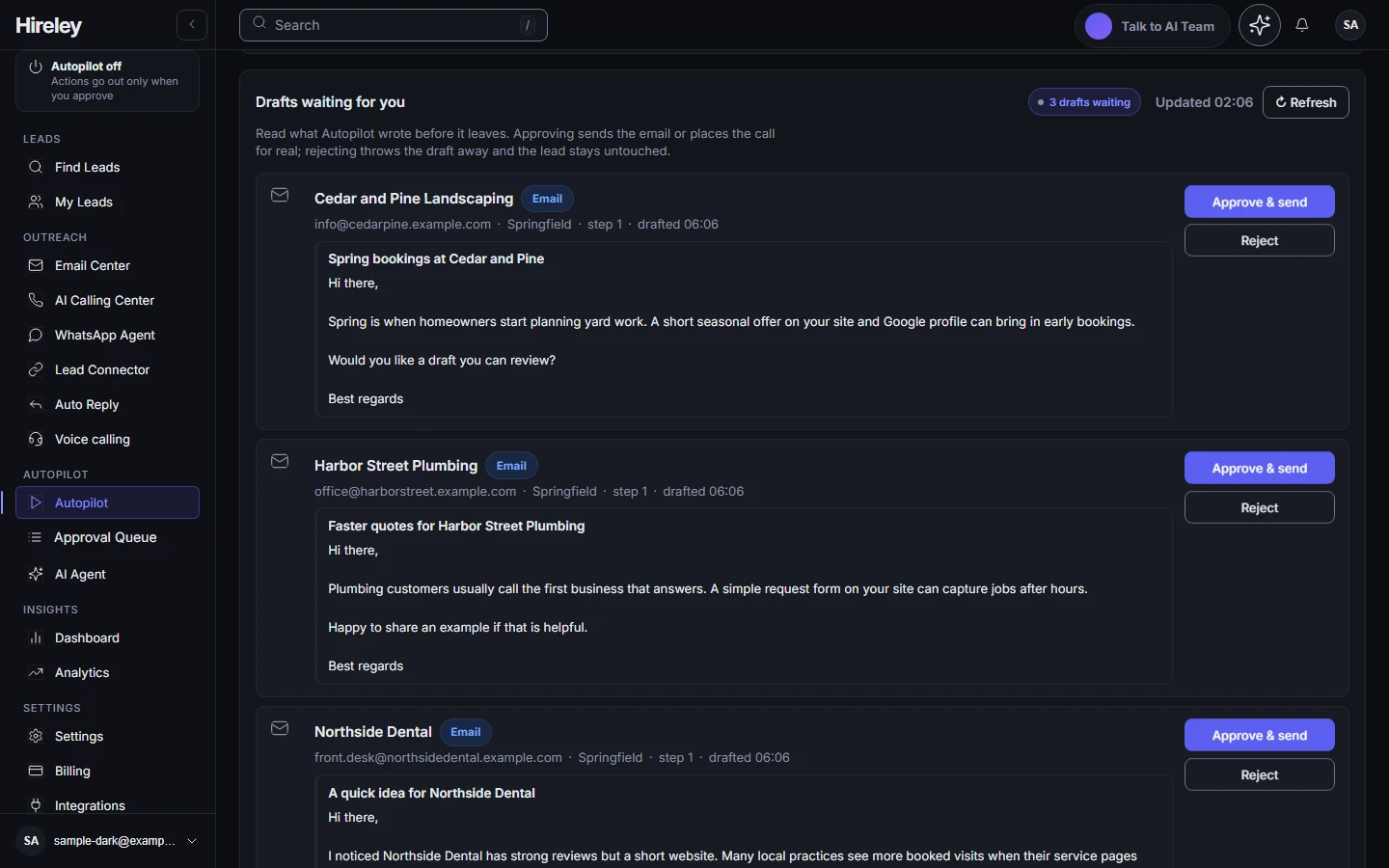
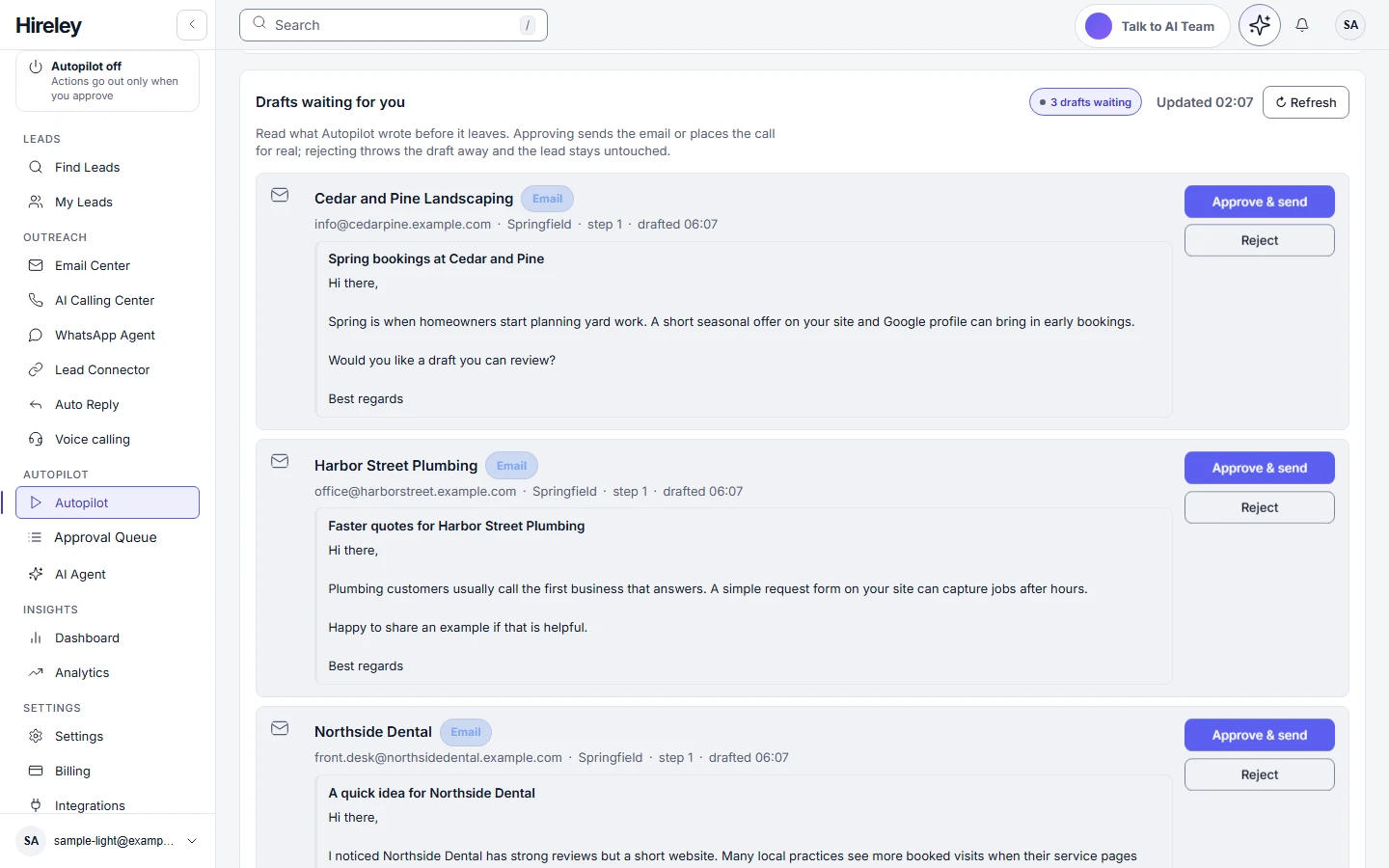
Autopilot is off by default. Nothing goes out until you approve it.
Sample data shown. Screens are from the Hireley app.
Search by business type and city, pick cold, warm or hot leads, and save the businesses you want to My Leads. Results come from Google Maps listings.
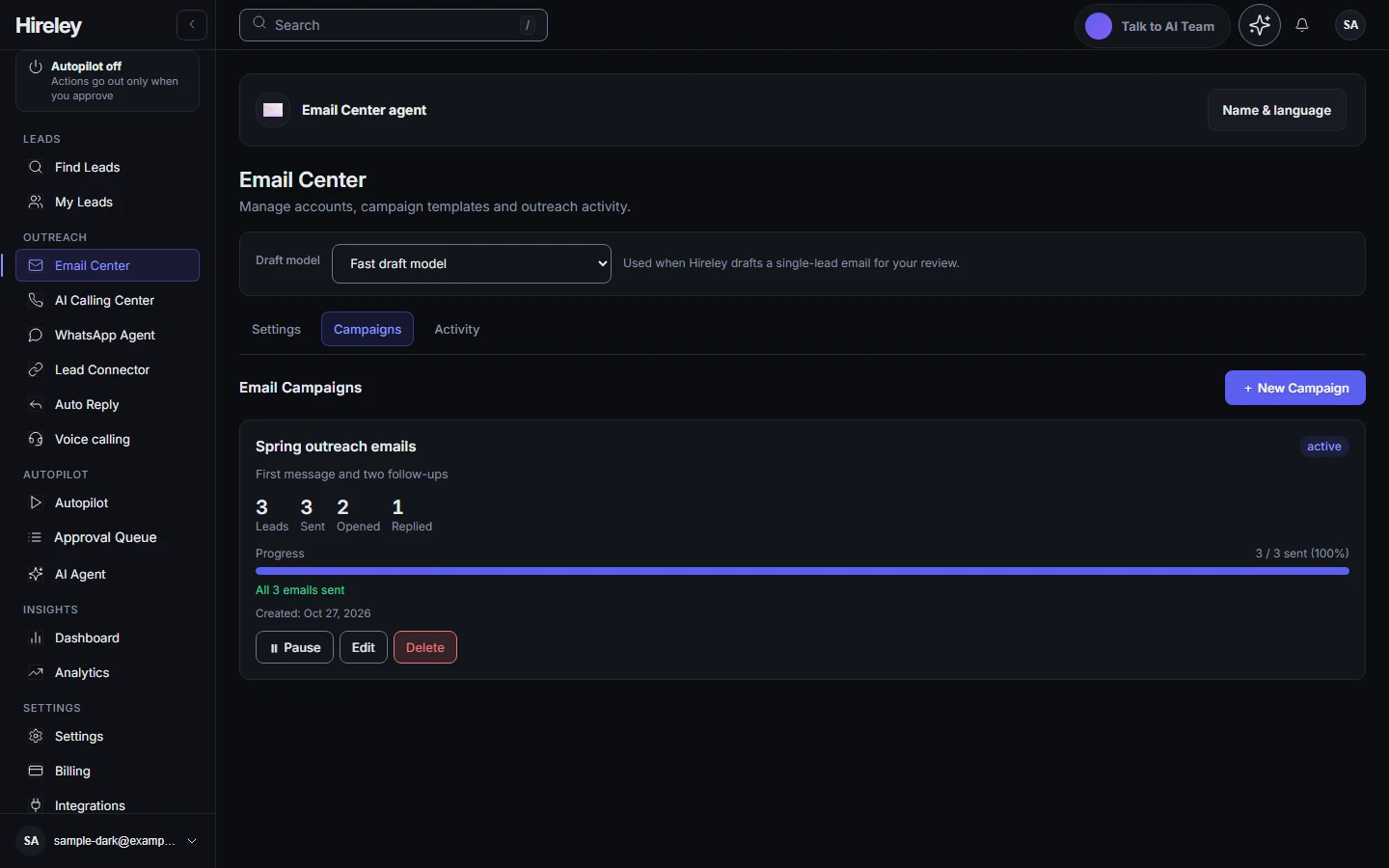
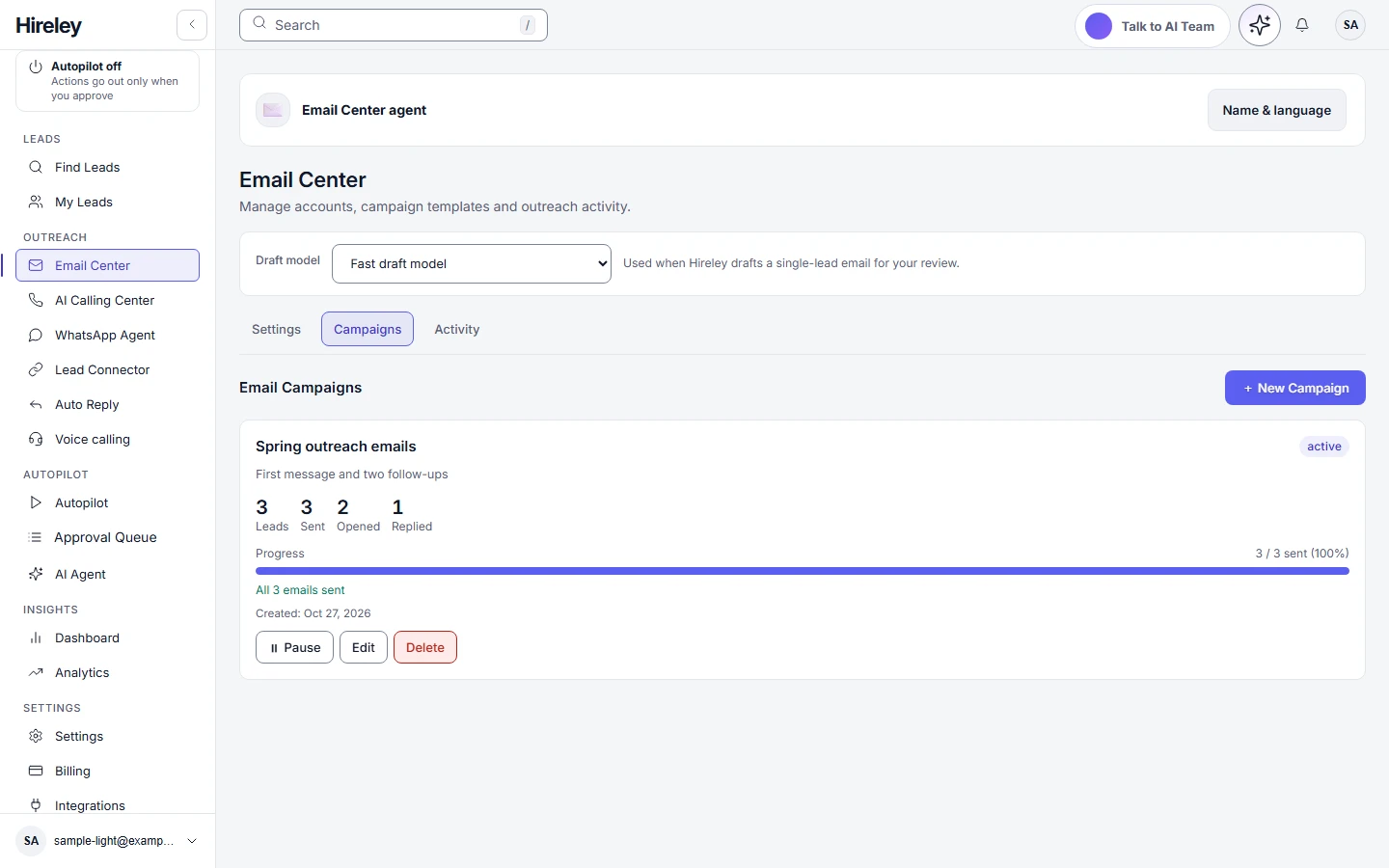
Hireley drafts each message from the lead's details. Drafts wait in an approval queue: approve or reject each one. Approved emails are sent through Hireley, with your postal address and an unsubscribe link on every one.
Each campaign can send a first email and up to two follow-ups. Replies are detected and shown in your dashboard. You can pause a campaign at any time.
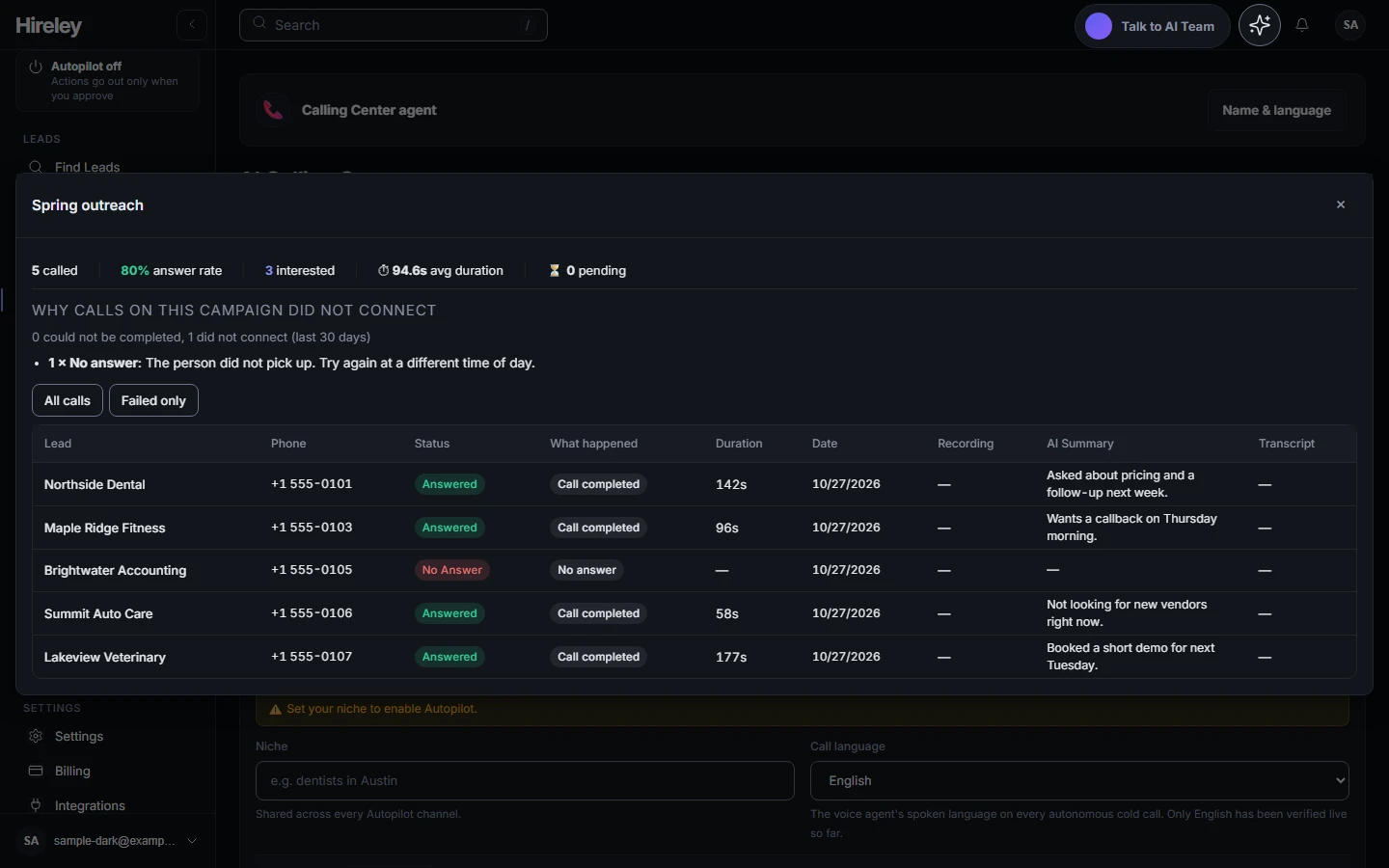
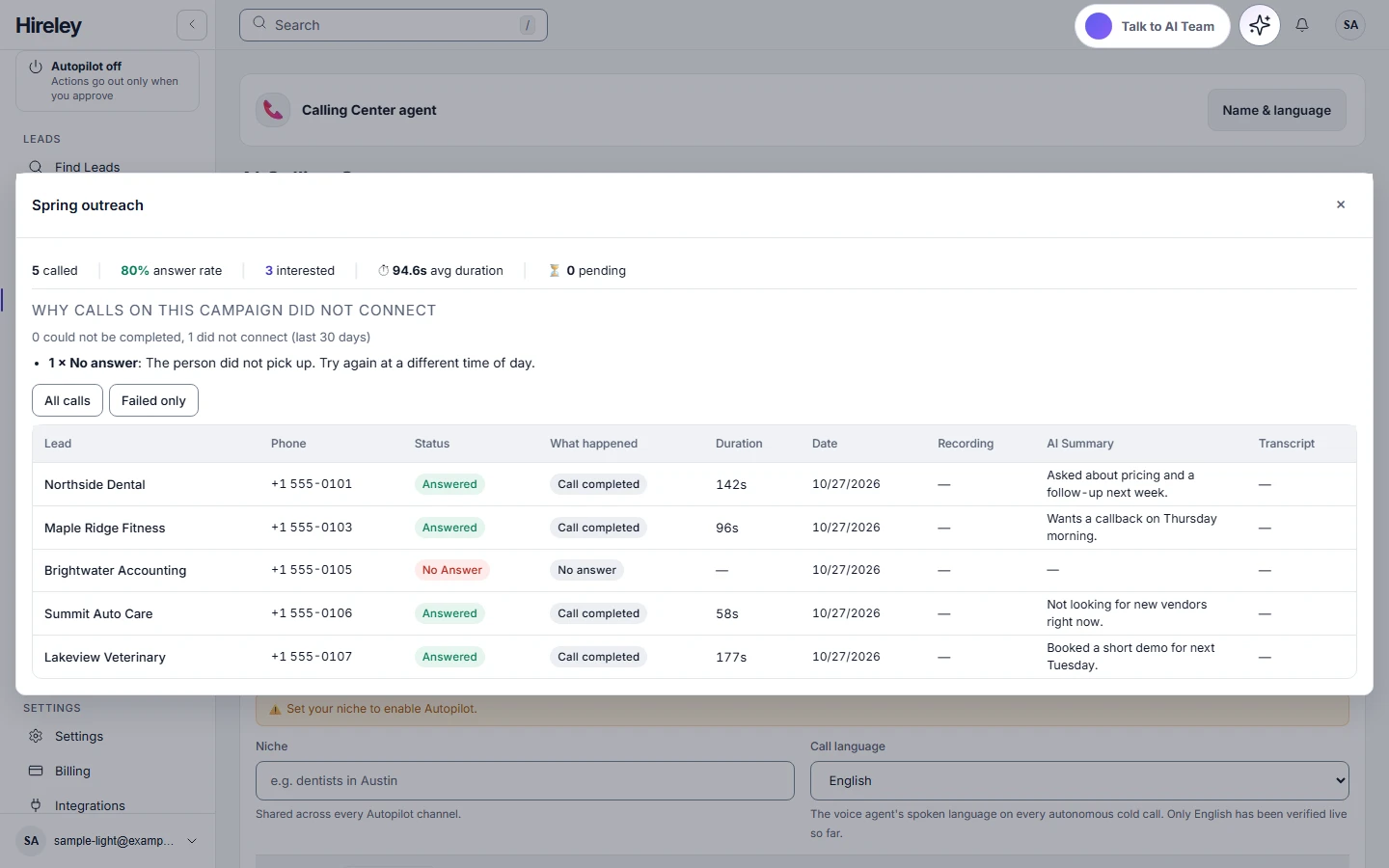
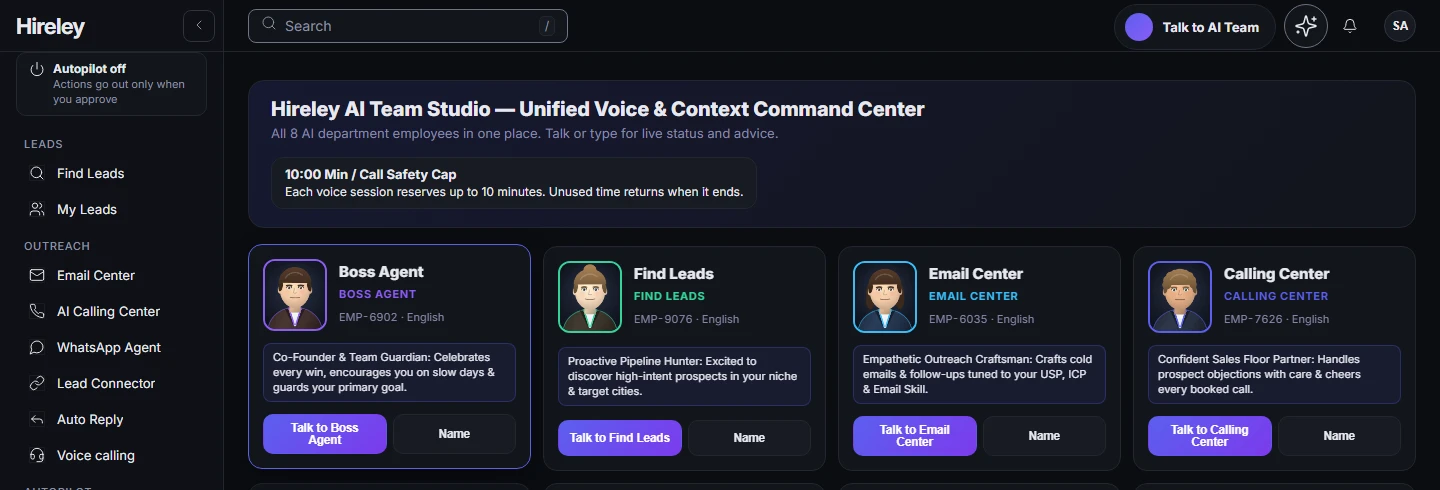
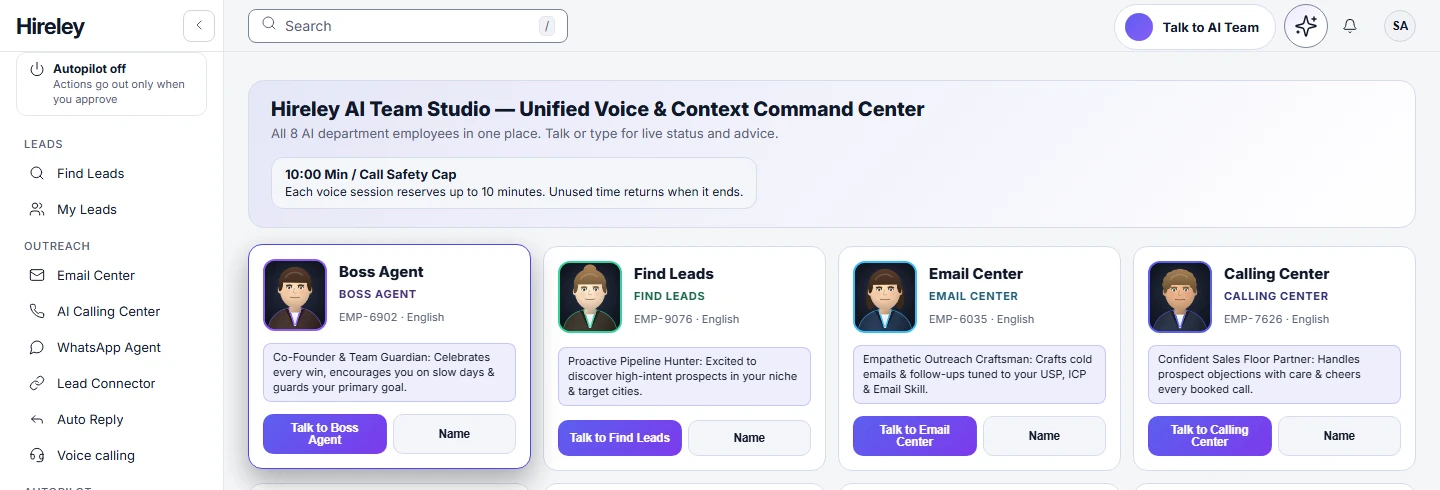
Place AI voice calls to your leads from the Calling Center and review each call afterwards. You can also talk to your AI teammates in the browser.
Search, then save the businesses you want to reach.
Approve the draft and Hireley sends it.
Replies are shown in your dashboard.
Place an AI voice call and review it afterwards.
Simple monthly plans. Every plan includes the full Hireley platform; usage limits grow with the plan.
$97 USD per month
Starter usage limits
Start now$197 USD per month
Higher usage limits
Start now$497 USD per month
Highest usage limits
Start nowPrices in USD. Billed monthly. Cancel any time. Refund of your first payment within 7 days of purchase. Payments are processed by Stripe.
Hireley finds US business leads, drafts outreach emails that wait for your approval, and places AI voice calls, all from one dashboard you control.
Yes, by default. Autopilot is off by default, and drafts wait in an approval queue where you approve or reject each one. Nothing goes out until you approve it.
Replies are detected and shown in your dashboard. You can pause a campaign at any time.
Yes. You can place AI voice calls to your leads from the Calling Center and review each call afterwards. You can also talk to your AI teammates in the browser.
Hireley sends each approved email through its sending system, with your postal address and an unsubscribe link on every one. API keys and secrets are masked in the app. The Privacy Policy explains what we store.
Select Start now to create an account. Then search for businesses in Find Leads and review the drafts in the approval queue.
Autopilot is off by default. Nothing goes out until you approve it.